

1. Install the SmartCurtain Motor
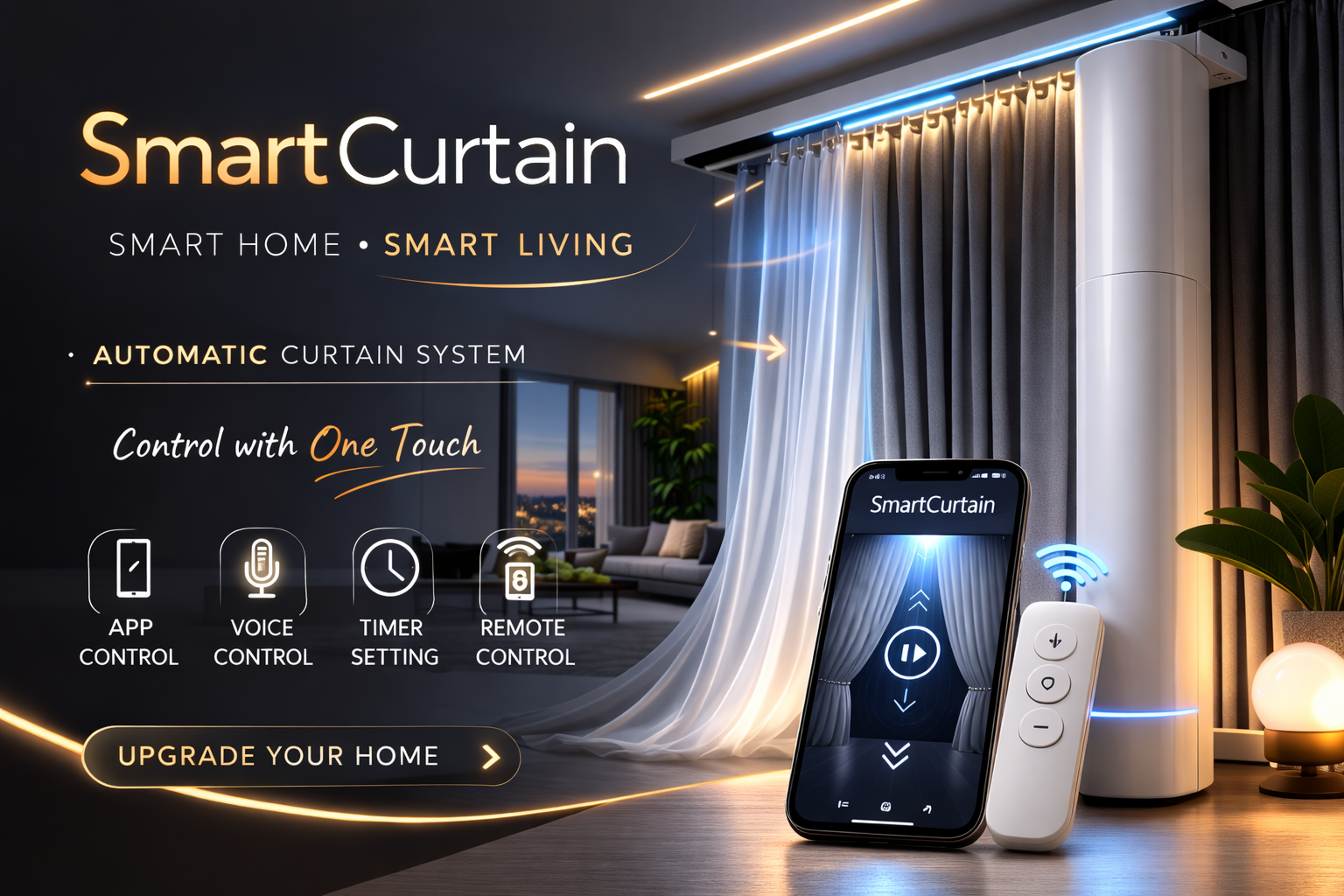
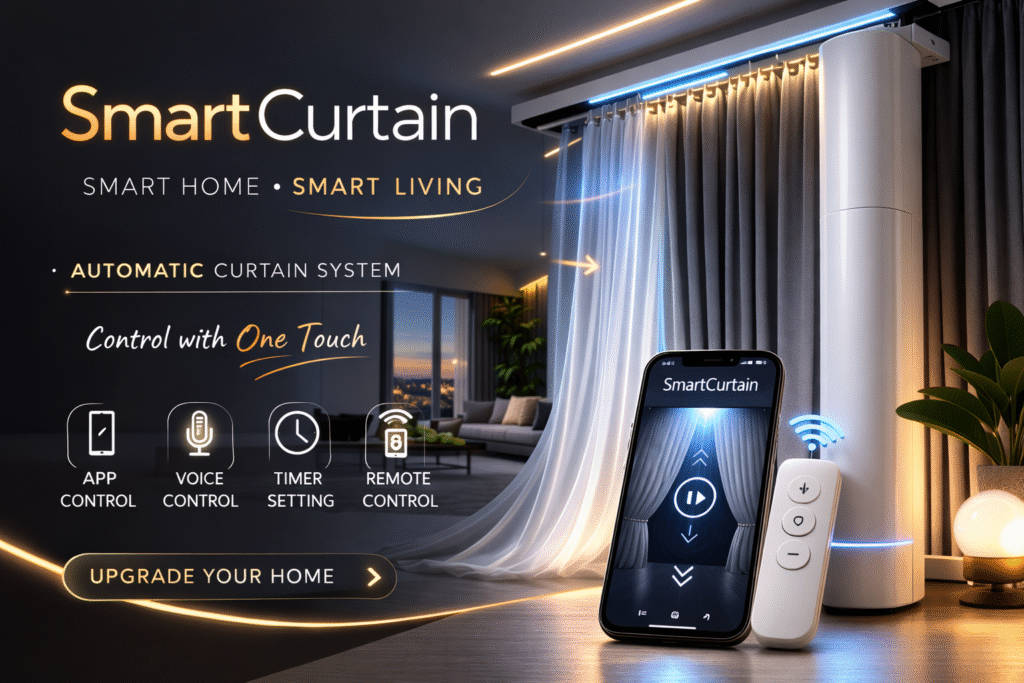
First, install the SmartCurtain motor on the curtain track above your window.
The motor connects directly to the curtain rail and automatically controls the movement of the curtains.
Once installed, the device allows smooth and quiet opening and closing of your curtains.


2. Connect to the Mobile App
Download the SmartCurtain mobile application on your smartphone and connect the device using WiFi.
Through the app you can:
- Open the curtains
- Close the curtains
- Adjust the curtain position
- Monitor the curtain status in real time
Everything can be controlled directly from your phone.
3. Use Voice Control
SmartCurtain also supports voice commands through smart home assistants.
You can simply say commands like:
- “Open the curtains”
- “Close the curtains”
This makes daily use easier and completely hands-free.
registration link : https://www.helloryse.com/lopze403
4. Set Automatic Schedules
Using the app, you can set schedules for your curtains.
For example:
- Open automatically in the morning
- Close automatically at night
This helps save energy and improves home comfort.
5. Smart Remote Control
Besides the smartphone app, SmartCurtain can also be controlled with a remote controller.
This allows quick operation when your phone is not nearby.
Key Features
- WiFi App Control
- Voice Command Support
- Automatic Scheduling
- Remote Control Operation
- Smooth & Quiet Curtain Movement
Upgrade Your Home
SmartCurtain is designed to make your home smarter, more comfortable, and more convenient.
With automatic control and smart features, managing your curtains has never been easier.
Thank You !